
Step 1: Open the Webmail page
1. Open your browser (e.g., Chrome, Firefox, or Edge).
2. Go to the following URL: webmail.domainname.com. (Note: replace “domainname.com” with your own domain name.)
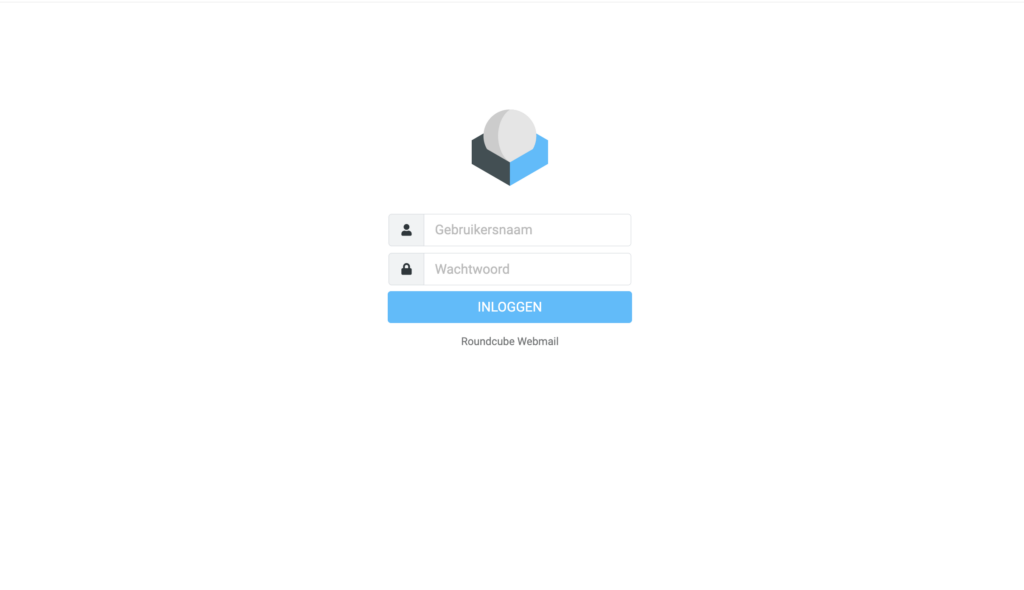
Step 2: Log in
1. Enter your email address in the “Username” field.
2. Enter your password in the “Password” field.
3. Click on the ‘Log in’ button.
You are now logged in to webmail. Are you still getting an error message? Let us know via boltconnect.nl/en/support