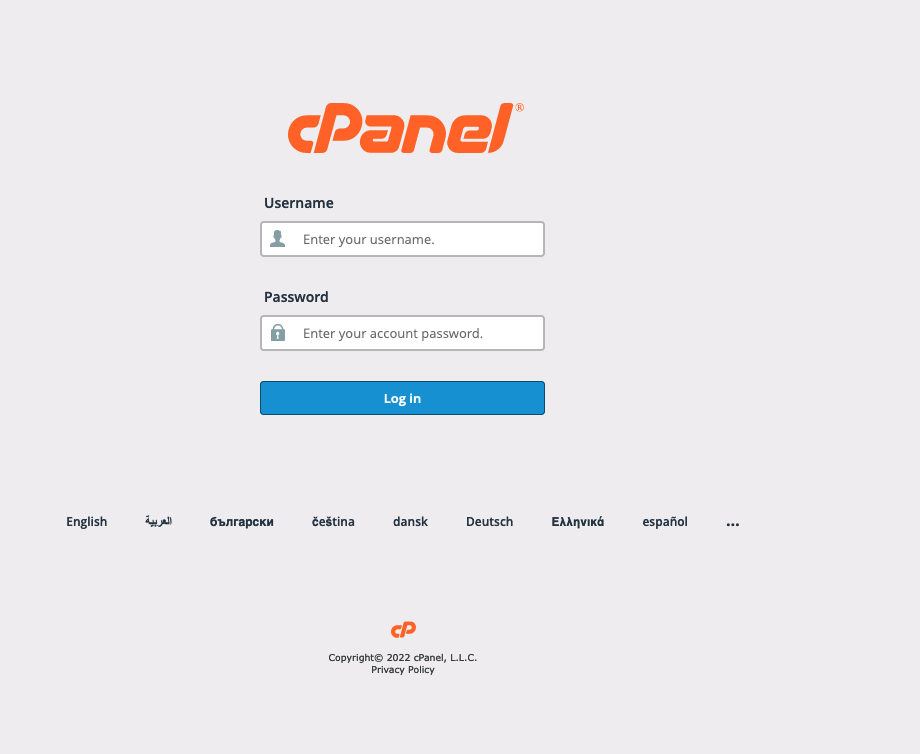
There are two different ways to log in to cPanel:
Option 1: Via the customer portal
- Log in to the customer portal using the details we have provided you with.
- In the menu, click on “Services” and then click on “Hosting Account” or click directly on the large “Hosting Account” button.
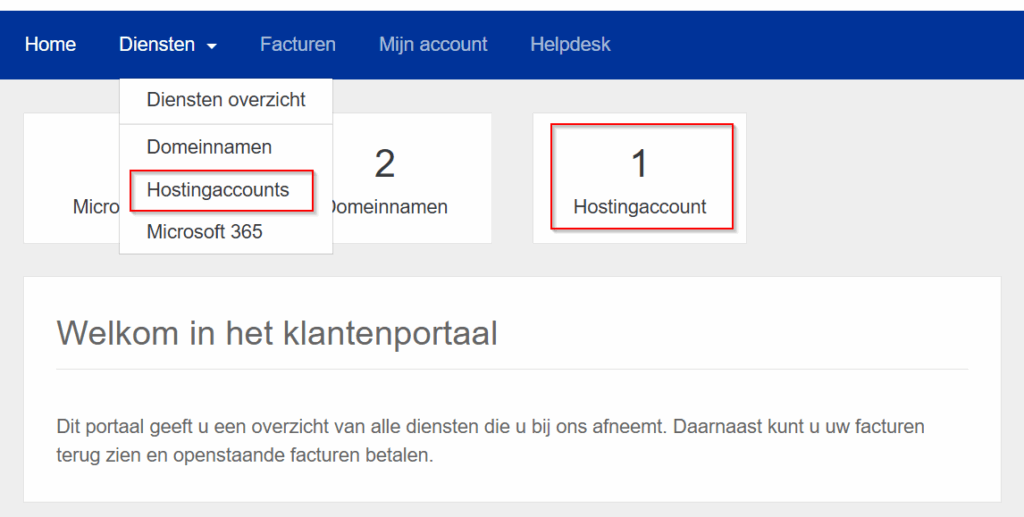
Here you will find information about your hosting package.
Click the “Log in to control panel” button to log in to cPanel.
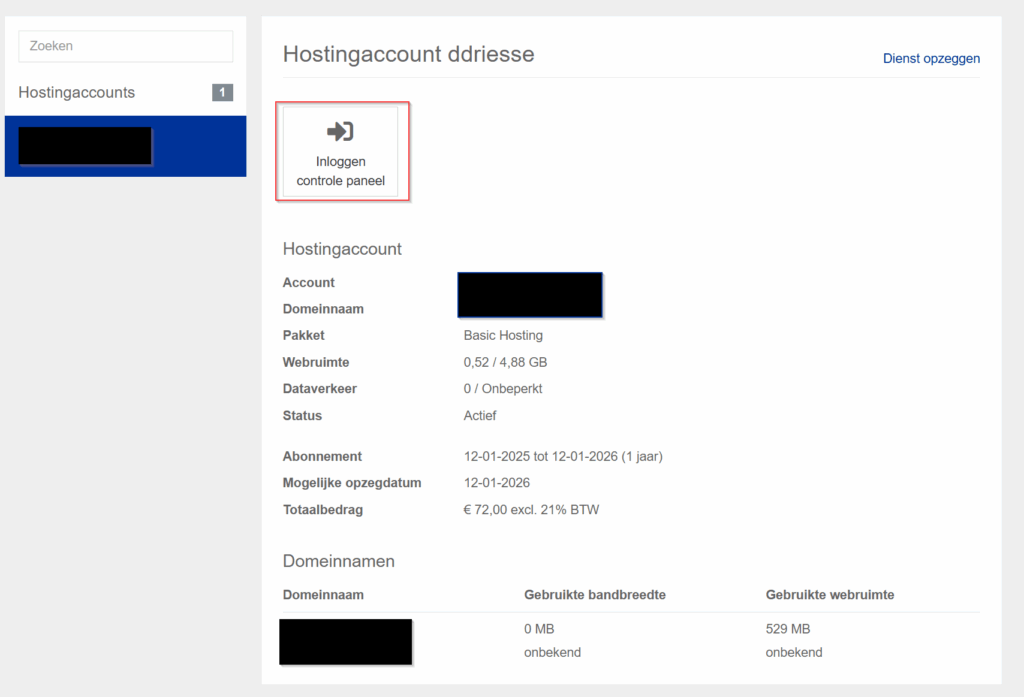
3. cPanel now opens in a new tab.
Option 2: Directly
By default, you can use yourdomain.nl/cpanel (replace yourdomain.nl with your own domain!) to access the cPanel login page.
You will then be taken to the cPanel login screen. Use the login details for your hosting package here. You will need to set these up by logging in via our customer portal.