
There are several ways to access wp-admin. In this guide, I will explain three different methods.
Through your browser:
1. Go to your browser and type this in: yourdomain.com/wp-admin (replace ‘yourdomain.com’ with your own domain name)
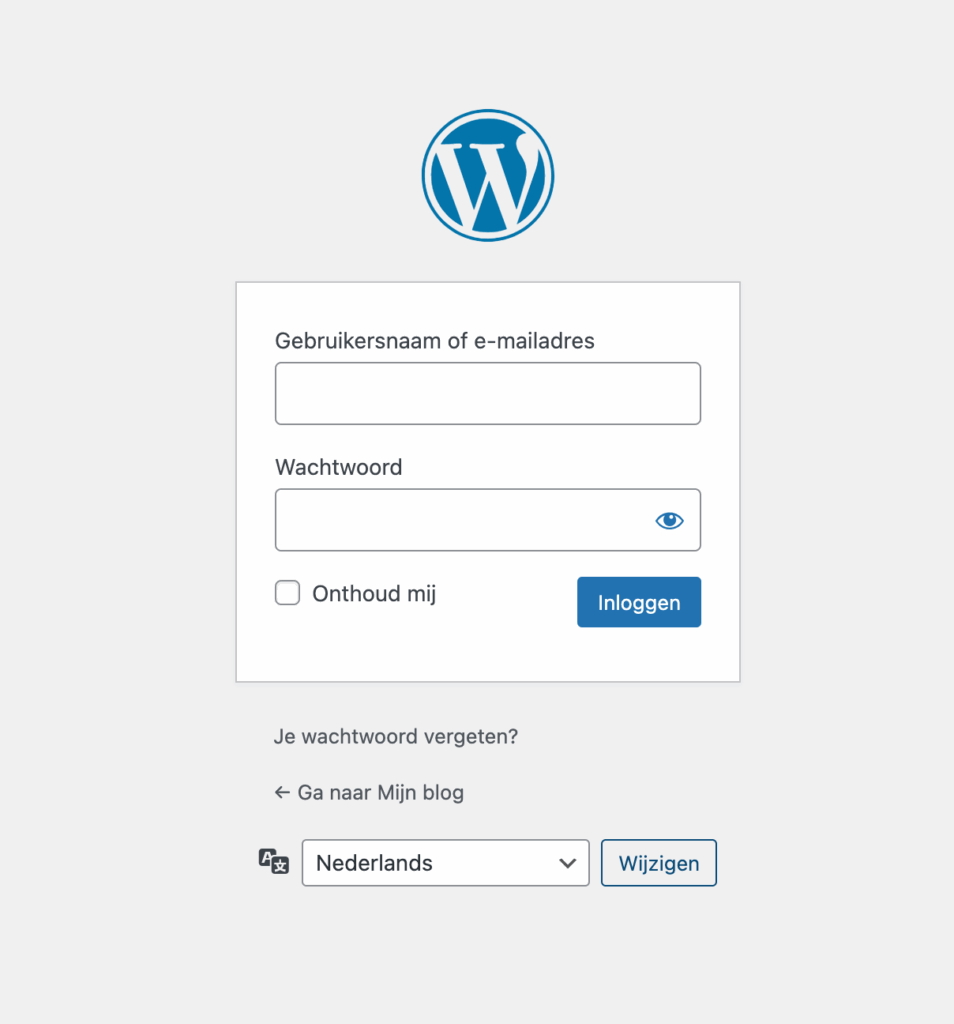
2. You will now be taken to the login page for your wp-admin. Log in here to access wp-admin.
Via cPanel:
This manual assumes that you are logged in to cPanel. If you are not yet logged in to cPanel, click here.
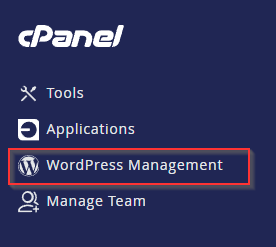
1. Click on ‘WordPress Management’ in the top left corner of cPanel.
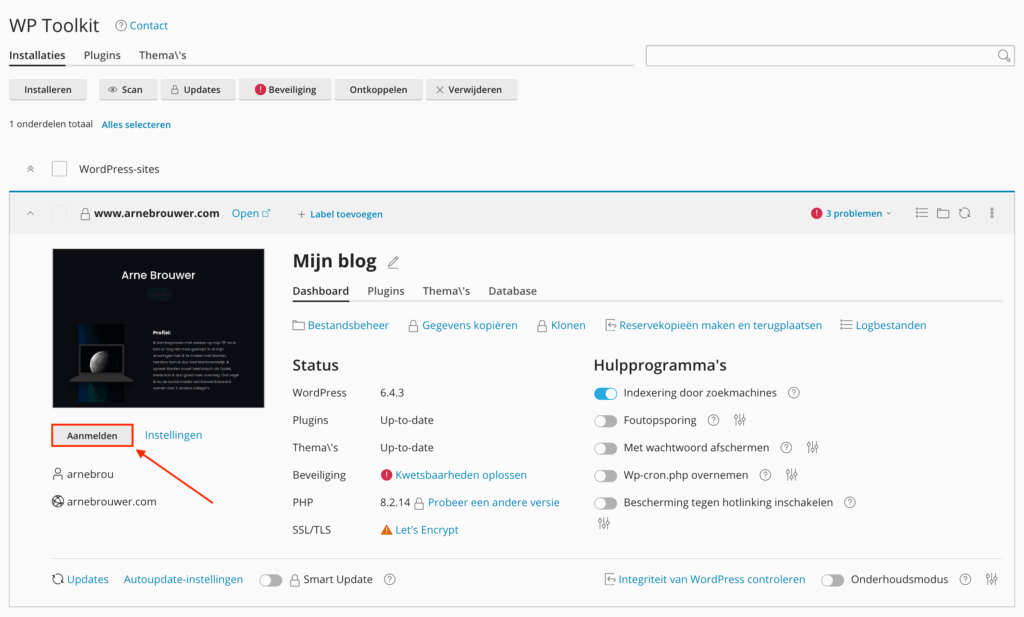
2. You are now in ‘WP Toolkit’, where you will see a list of all your websites. Click on ‘log in’ below the preview of your website.
3. You will now be taken to the login page for your wp-admin. Log in here to access wp-admin.