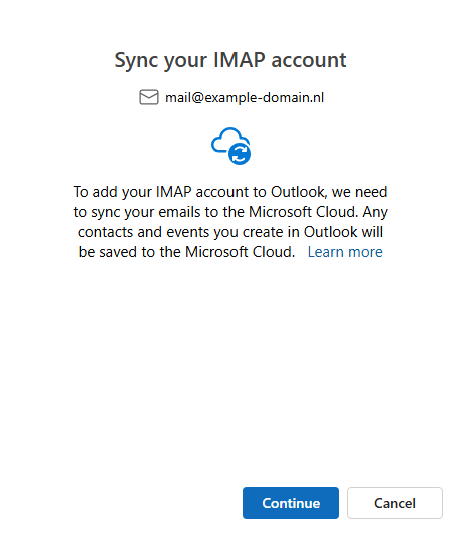
Step 1: Open Outlook
- Open Microsoft Outlook on your computer.
- Then enter your email address and click ‘Continue’.
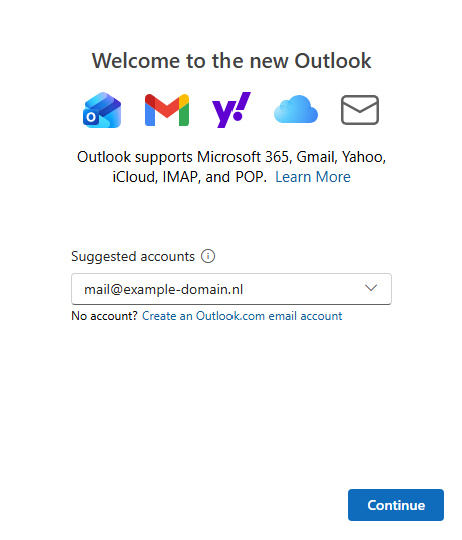
3. Click on: ‘IMAP’.
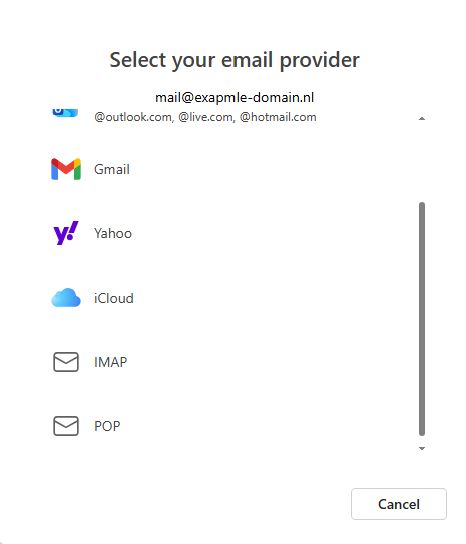
Step 2: Enter account details
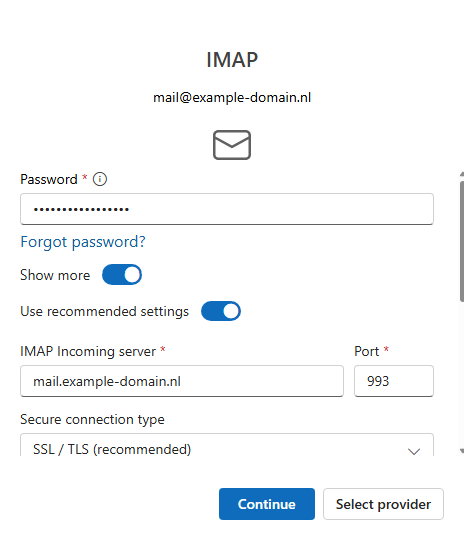
- Please fill in the following details:
- Password: The password for your email account
- Incoming mail server: mail.jouwdomeinnaam.nl
- Incoming server (IMAP): 993 with SSL or 143 without SSL
- Username (SMTP): Your full email address
- Password (SMTP): The password for your email account
- Outgoing mail server (SMTP): mail.jouwdomeinnaam
- Outgoing server (SMTP): 465 with SSL or 587 with TLS
- Username (SMTP): Your full email address
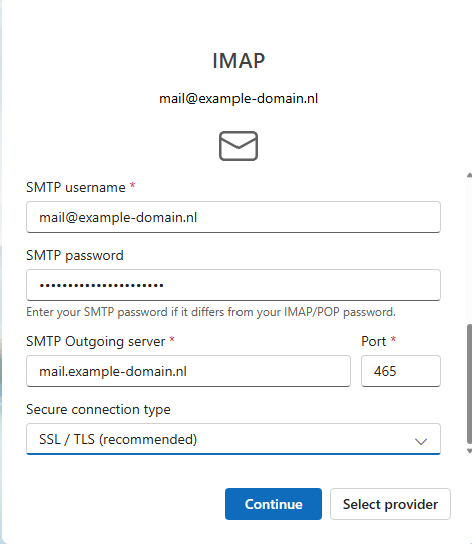
Click ‘Continue‘ to activate the email account.